Free alternatives
Free alternatives to Higgsfield
The best free, open-source alternatives to Higgsfield are ComfyUI, Wan 2.1, and ArtCraft. ComfyUI and Wan 2.1 run entirely on your own computer, with no subscription.
Higgsfield is a paid service. A creative suite for directed, cinematic AI video and images, with access to many leading models in one place. If you'd like to do the same kind of work without a subscription, these are the open-source tools to try first. Checked November 2026.
| Tool | What it does | Runs | Real cost | Score |
|---|
| ComfyUI | Build image and video generation workflows by connecting blocks, with full control over every step. | On your computer | Free | 4.8 |
|---|
| Wan 2.1 | An open video generation model that turns text or a still image into short clips. | On your computer | Free | 4.0 |
|---|
| ArtCraft | A desktop studio for staging and generating AI images and video. You connect the AI services you already use. | In the cloud | Free app, usage fees | 4.4 |
|---|
The top picks
Build image and video generation workflows by connecting blocks, with full control over every step.
- Some setup
- Windows · Mac · Linux
- Code
- Open source, GPL-3.0
- Models
- Open weights, your choice
- Runs
- On your computer
- Real cost
- Free
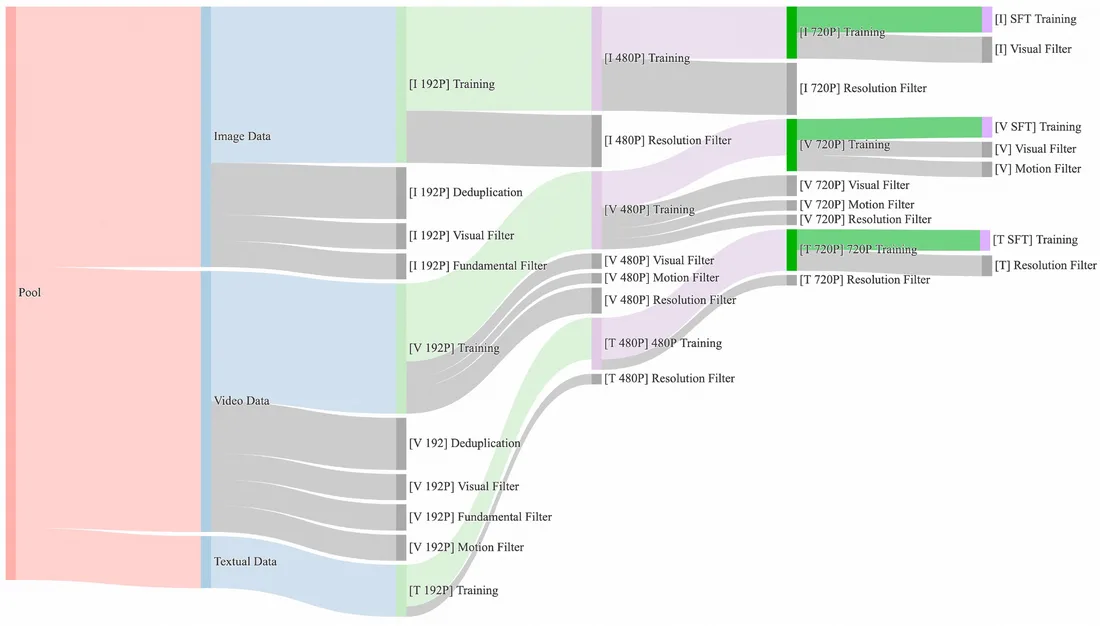
An open video generation model that turns text or a still image into short clips.
- For tinkerers
- Windows · Linux
- Code
- Open source, Apache-2.0
- Models
- Open weights
- Runs
- On your computer
- Real cost
- Free
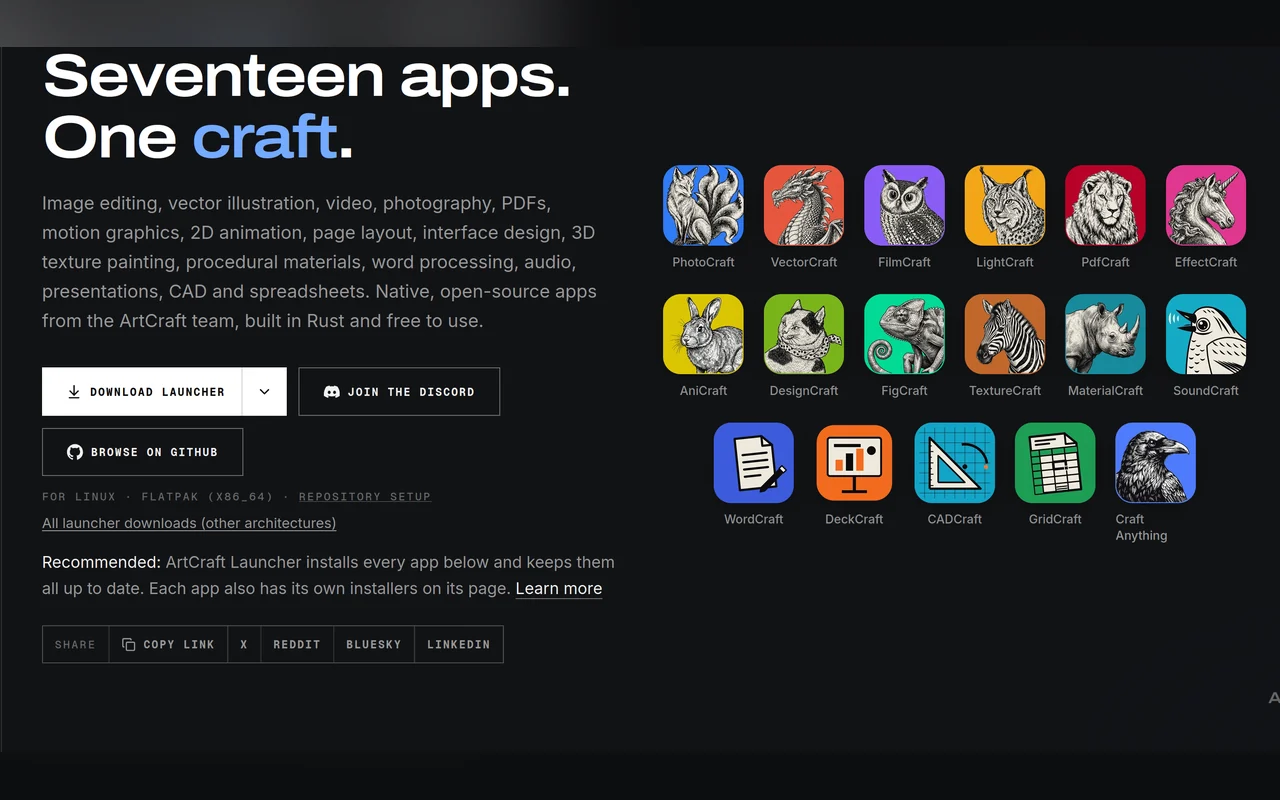
A desktop studio for staging and generating AI images and video. You connect the AI services you already use.
- Easy install
- Windows · Mac · Linux
- Code
- Open source, Apache-2.0
- Models
- Paid services, your own keys
- Runs
- In the cloud
- Real cost
- Free app, usage fees
More free tools worth a look
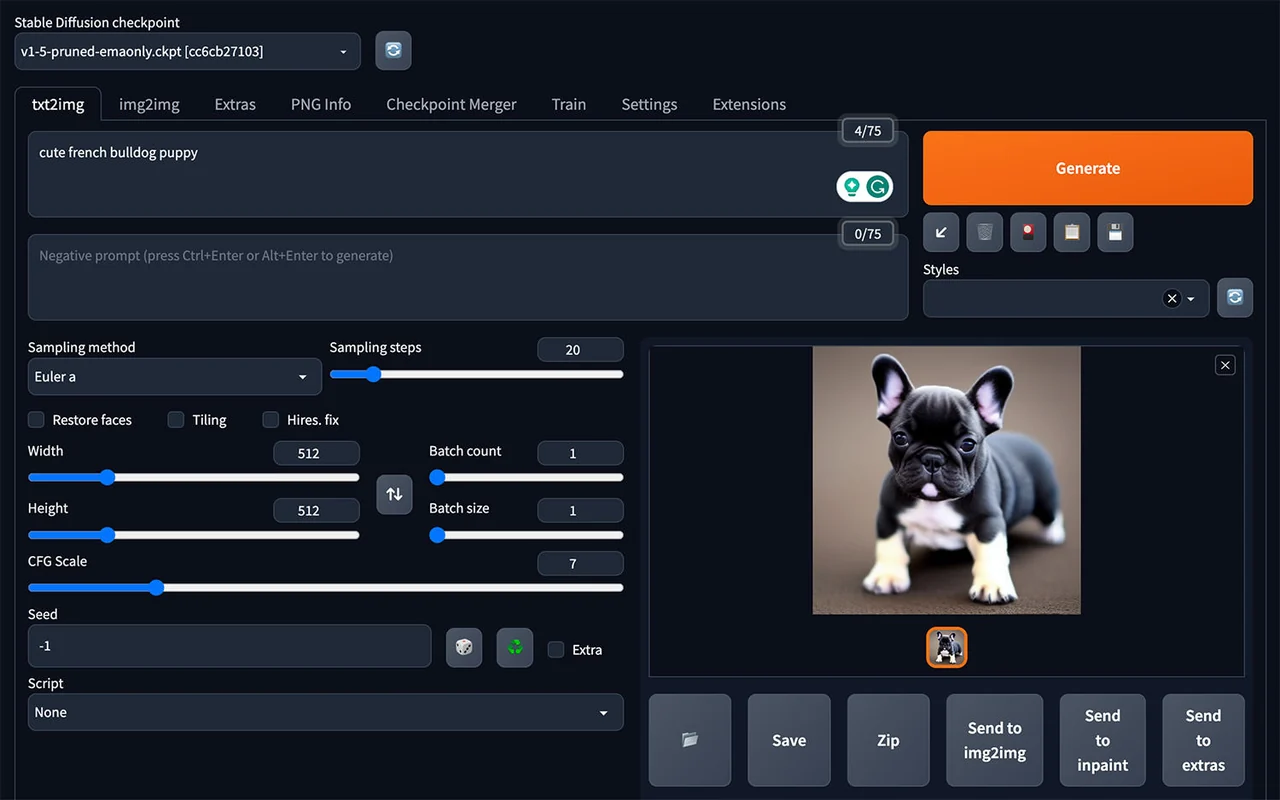
The classic browser interface for generating images with Stable Diffusion on your own computer.
- Some setup
- Windows · Mac · Linux
- Code
- Open source, AGPL-3.0
- Models
- Open weights, your choice
- Runs
- On your computer
- Real cost
- Free
A simple desktop app that enlarges and sharpens low-resolution images.
- Easy install
- Windows · Mac · Linux
- Code
- Open source, AGPL-3.0
- Models
- Open weights, included
- Runs
- On your computer
- Real cost
- Free
A polished creative studio for image generation, with a canvas, layers, and tools aimed at artists.
- Easy install
- Windows · Mac · Linux
- Code
- Open source, Apache-2.0
- Models
- Open weights, your choice
- Runs
- On your computer
- Real cost
- Free
Removes the background from photos in one step, from the command line or your own scripts.
- Some setup
- Windows · Mac · Linux
- Code
- Open source, MIT
- Models
- Open weights, included
- Runs
- On your computer
- Real cost
- Free
Image generation with almost no settings: type a prompt and get a good picture.
- Easy install
- Windows · Mac · Linux
- Code
- Open source, GPL-3.0
- Models
- Open weights
- Runs
- On your computer
- Real cost
- Free
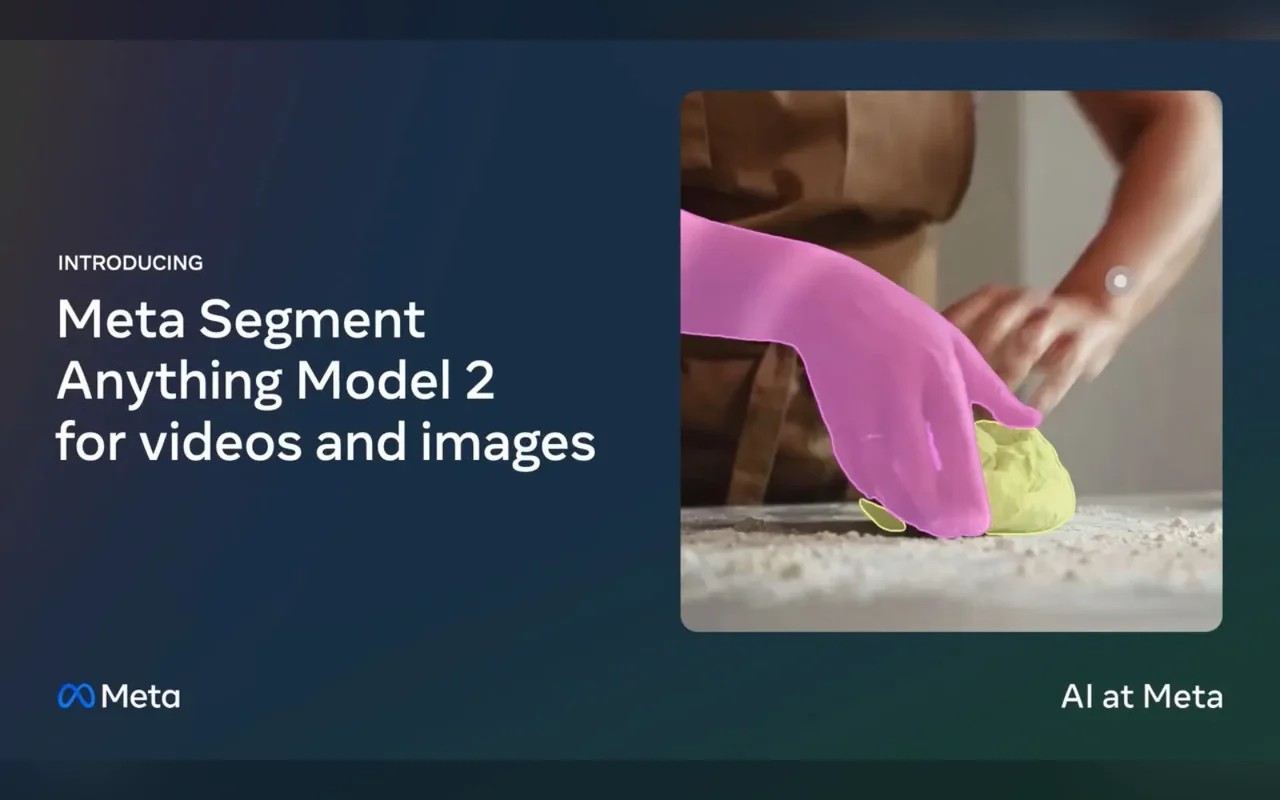
Selects and tracks any object through a video from a single click, for masking and effects work.
- For tinkerers
- Windows · Mac · Linux
- Code
- Open source, Apache-2.0
- Models
- Open weights
- Runs
- On your computer
- Real cost
- Free
Common questions
Is there a free version of Higgsfield?
Higgsfield's own free plan: yes, watermarked. For unlimited free use, the open-source alternatives are ComfyUI, Wan 2.1, and ArtCraft.
Are the free alternatives to Higgsfield as good?
It depends on the job. Higgsfield is best for cinematic shots with camera control, and paid services are usually easier to start with. Open-source tools cost nothing and give you more control, but most need some setup and a capable computer.
What do I need to run them?
Each tool's page lists the memory and graphics card it needs. Enter your computer's specs once on our Can I Run It page and every tool shows whether it fits.
Want the paid service anyway? See our Higgsfield page for price and free-plan details.


