Free alternatives
Free alternatives to InVideo AI
The best free, open-source alternatives to InVideo AI are ComfyUI and Kokoro. ComfyUI and Kokoro run entirely on your own computer, with no subscription.
InVideo AI is a paid service. Describe the video you want and get a full draft with script, footage, voiceover, and music. If you'd like to do the same kind of work without a subscription, these are the open-source tools to try first. Checked November 2026.
| Tool | What it does | Runs | Real cost | Score |
|---|
| ComfyUI | Build image and video generation workflows by connecting blocks, with full control over every step. | On your computer | Free | 4.8 |
|---|
| Kokoro | A very small text-to-speech model that sounds far better than its size suggests. | On your computer | Free | 3.6 |
|---|
The top picks
Build image and video generation workflows by connecting blocks, with full control over every step.
- Some setup
- Windows · Mac · Linux
- Code
- Open source, GPL-3.0
- Models
- Open weights, your choice
- Runs
- On your computer
- Real cost
- Free

A very small text-to-speech model that sounds far better than its size suggests.
- Some setup
- Windows · Mac · Linux
- Code
- Open source, Apache-2.0
- Models
- Open weights
- Runs
- On your computer
- Real cost
- Free
More free tools worth a look
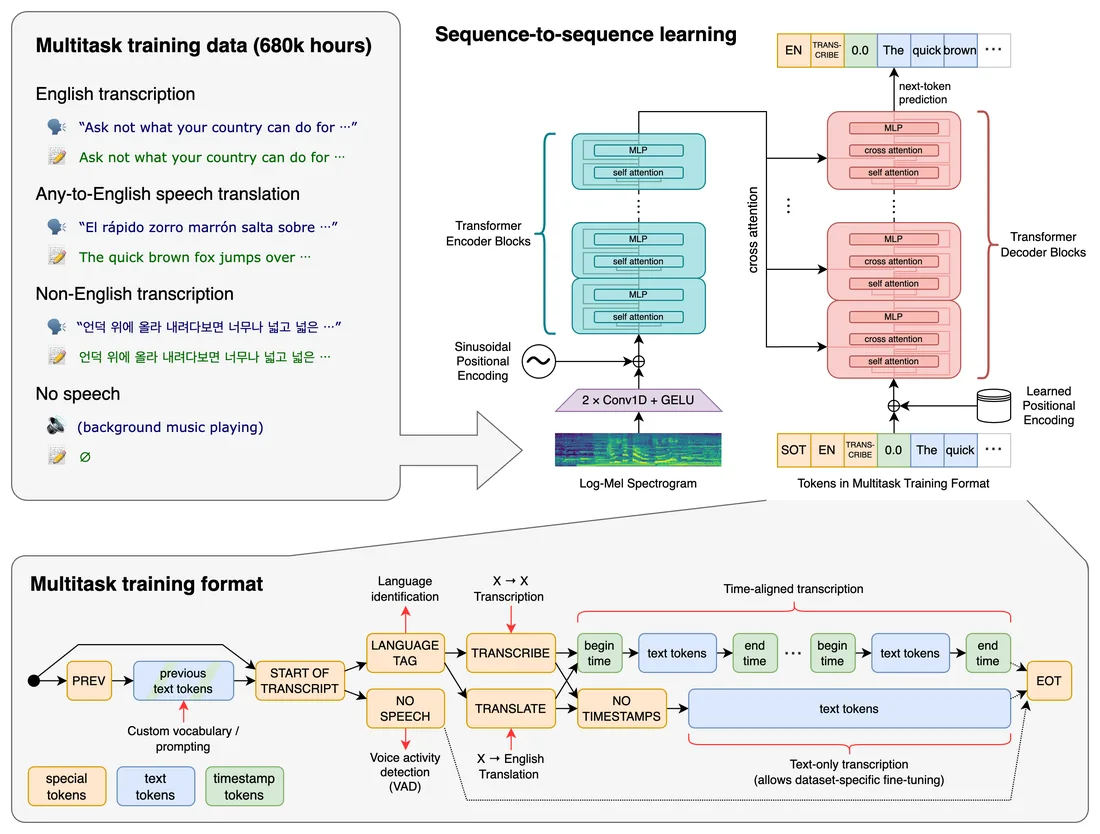
Turns speech into text. Transcribes and translates recordings, interviews, and video audio.
- Some setup
- Windows · Mac · Linux
- Code
- Open source, MIT
- Models
- Open weights
- Runs
- On your computer
- Real cost
- Free
A lightweight version of Whisper that transcribes quickly on ordinary laptops with no graphics card.
- Some setup
- Windows · Mac · Linux
- Code
- Open source, MIT
- Models
- Open weights
- Runs
- On your computer
- Real cost
- Free
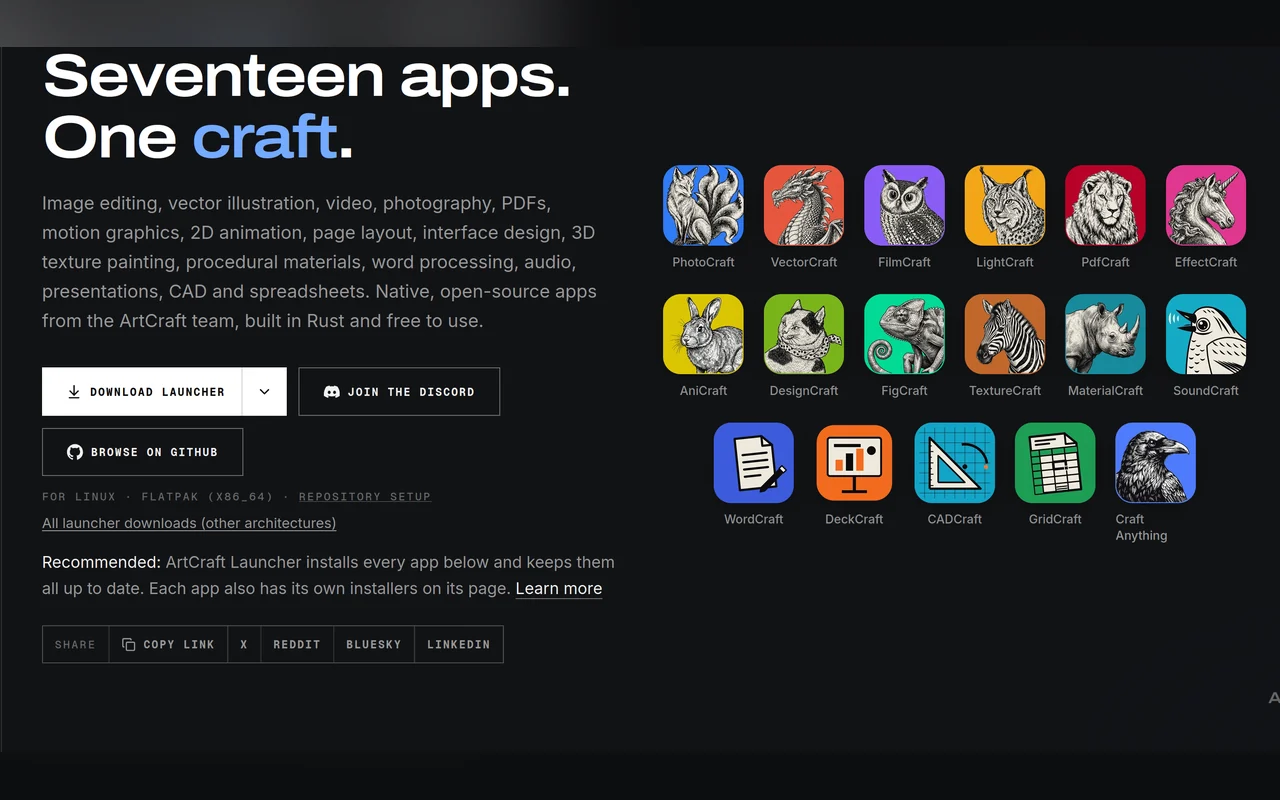
A desktop studio for staging and generating AI images and video. You connect the AI services you already use.
- Easy install
- Windows · Mac · Linux
- Code
- Open source, Apache-2.0
- Models
- Paid services, your own keys
- Runs
- In the cloud
- Real cost
- Free app, usage fees
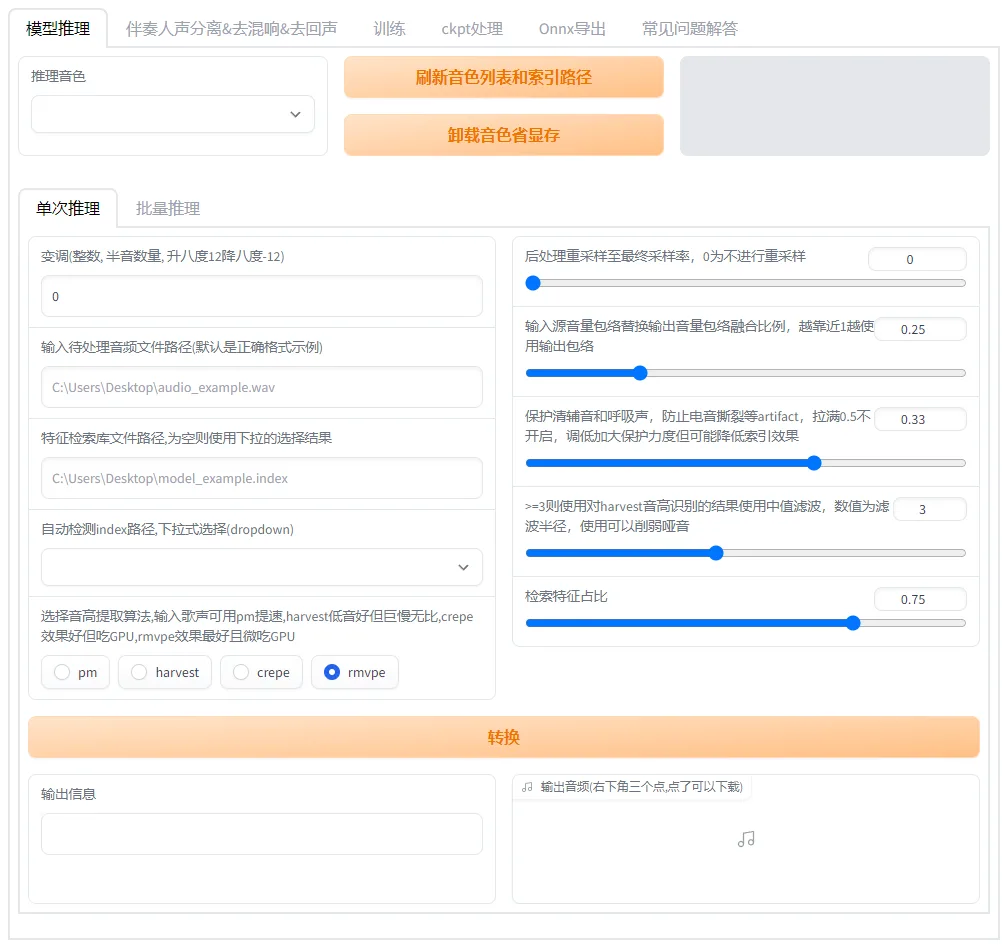
Converts one voice into another, for dubbing and singing voice work.
- Some setup
- Windows · Linux
- Code
- Open source, MIT
- Models
- Open weights
- Runs
- On your computer
- Real cost
- Free
A rebuilt Whisper engine that transcribes several times faster using less memory.
- Some setup
- Windows · Mac · Linux
- Code
- Open source, MIT
- Models
- Open weights
- Runs
- On your computer
- Real cost
- Free
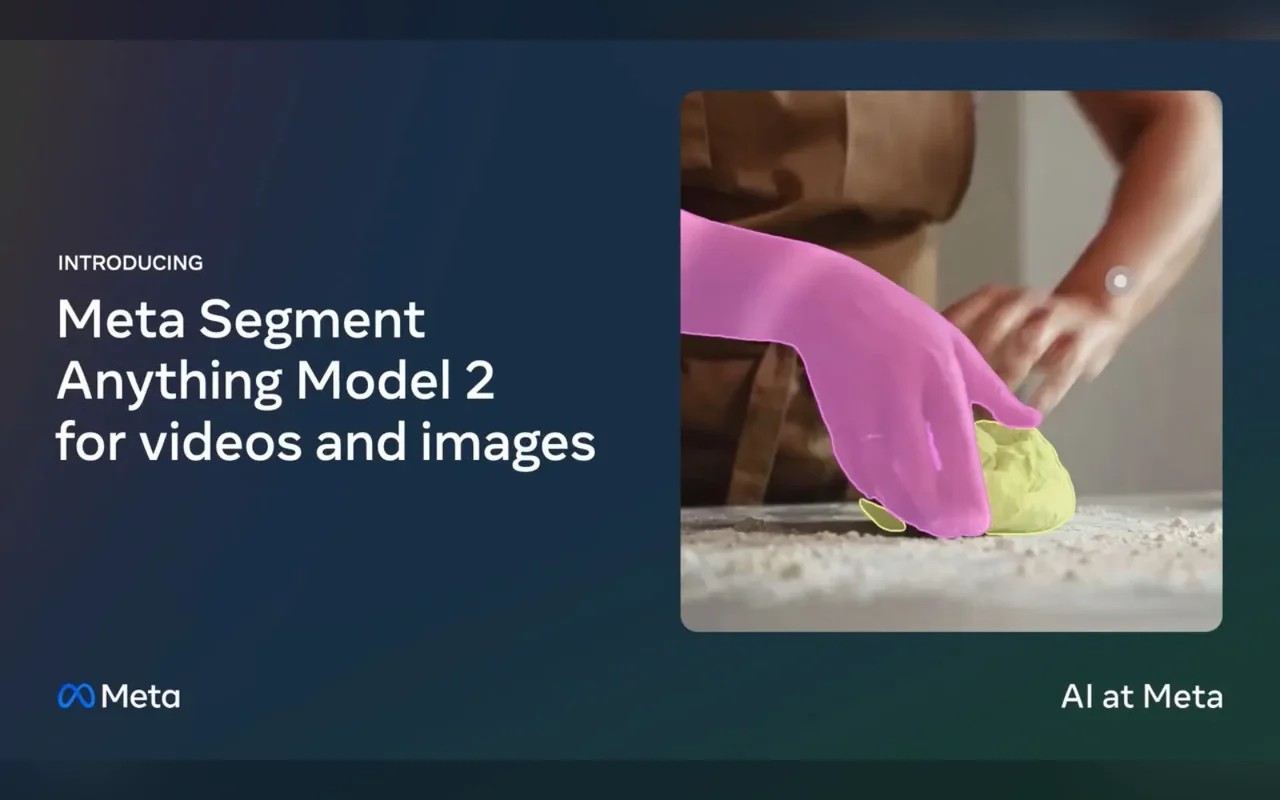
Selects and tracks any object through a video from a single click, for masking and effects work.
- For tinkerers
- Windows · Mac · Linux
- Code
- Open source, Apache-2.0
- Models
- Open weights
- Runs
- On your computer
- Real cost
- Free
Common questions
Is there a free version of InVideo AI?
InVideo AI's own free plan: yes, watermarked. For unlimited free use, the open-source alternatives are ComfyUI and Kokoro.
Are the free alternatives to InVideo AI as good?
It depends on the job. InVideo AI is best for complete videos from a prompt, and paid services are usually easier to start with. Open-source tools cost nothing and give you more control, but most need some setup and a capable computer.
What do I need to run them?
Each tool's page lists the memory and graphics card it needs. Enter your computer's specs once on our Can I Run It page and every tool shows whether it fits.
Want the paid service anyway? See our InVideo AI page for price and free-plan details.


